
Book a demo
Let us today show you the best possible way to manage your keys and valuables.
Book now
Seamless overviews of your key cabinets and valuables cabinets
KeyWin Light is software that can be used with the System series for key cabinets and valuables cabinets. Monitoring and control is achieved by plugging a USB flash drive into the cabinet using a service code. The event log is also downloaded to the USB flash drive, which is then processed on the computer.
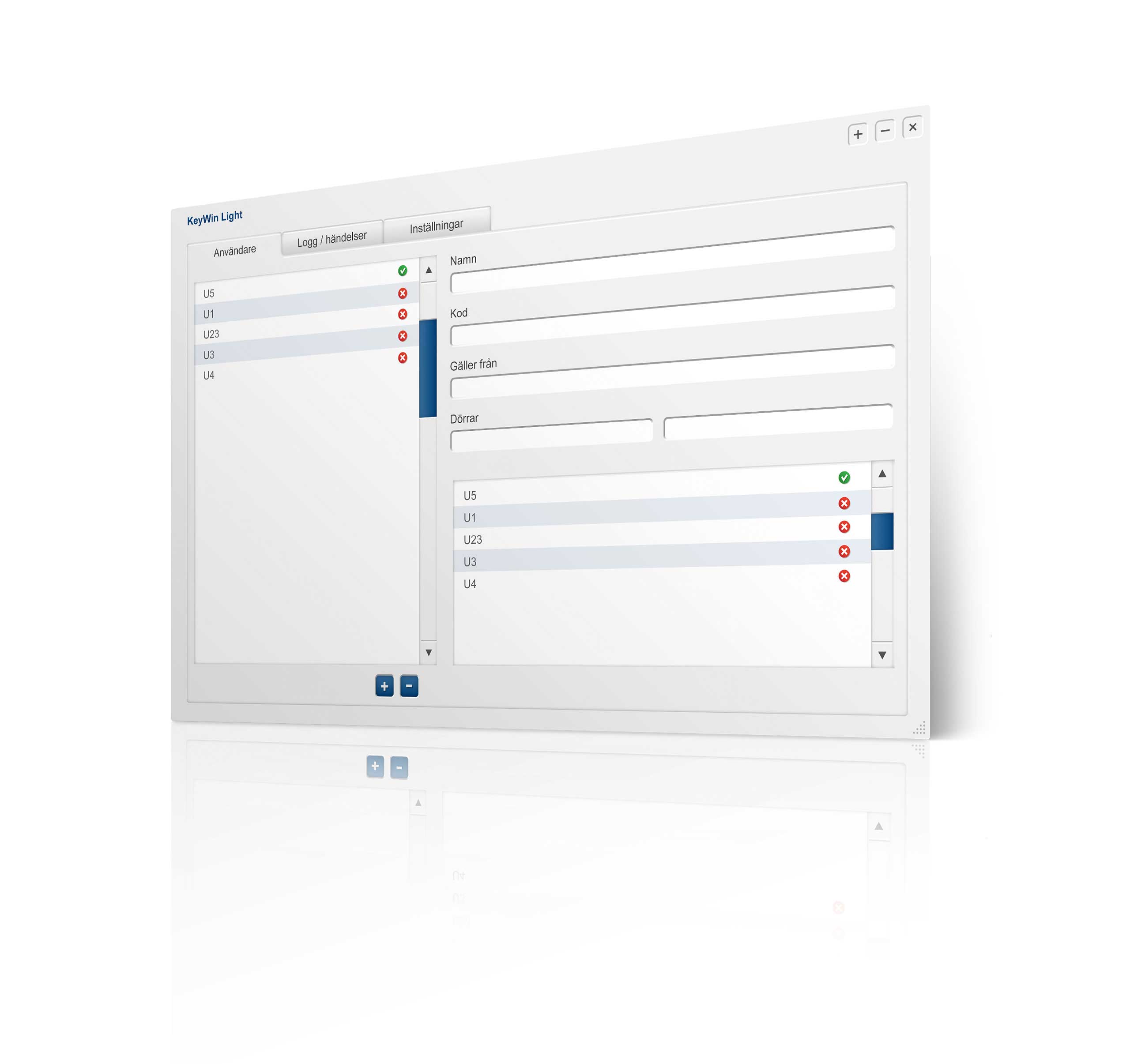
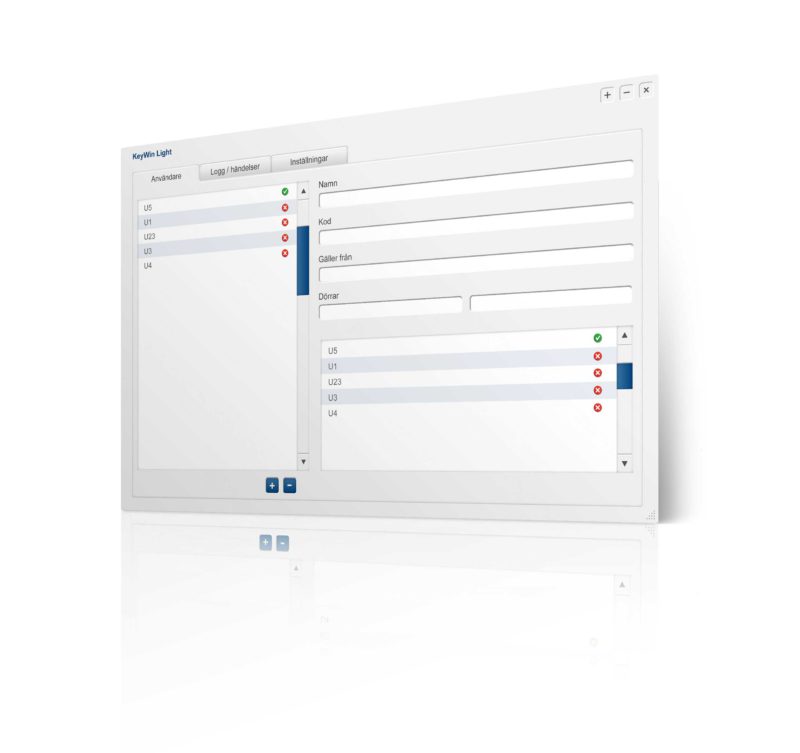
You can monitor and control both key management and storage of valuables. KeyWin Light is used for the System series, which is a simpler variant designed for distributing keys and valuables.
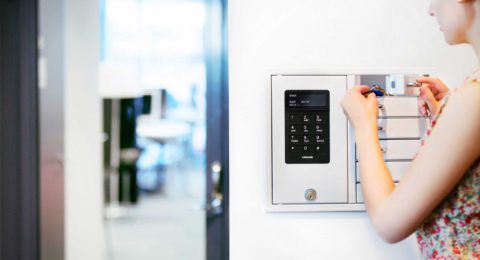

KeyBox is the key cabinet that offers a simple and flexible solution for every environment.
Discover
The administrator determines the members of staff who have access to a specific door by entering which user can log into the key cabinet or valuables cabinet with their personal code.
Transfer your settings easily via a USB flash drive and enter them in the key cabinet or valuables cabinet.
Restrict a user's access to a compartment by using a time channel.
Transfer the event log from the key cabinet or valuables cabinet to KeyWin Light using a USB stick.
This function determines how many times the user can access the key cabinet, valuables cabinet or compartment.
You can always make a backup of the event log. Either via a CSV file which you can import to Excel, or direct to a PDF file.
The search function finds everything in KeyWin Light because it searches as fast as you type.
In the settings, you set the number of doors you have in your system and choose a service code for the software.
You can choose between several different languages, e.g. Swedish, English, Finnish, German, Flemish, Spanish, etc.
You can easily create a backup for the software.
Use the map or search bar to find a retailer. Get help with your existing system or with choosing the right solution.
Search now